What is the best EPUB reader for Android?
For most people the best EPUB reader on Android is ReadEra if you keep books on your phone, or Google Play Books if you want them synced across devices; both are free. Moon+ Reader and Lithium are the best picks for fine control over how pages look, and Librera and KOReader are the open-source choices. Below: what each app does well, which one fits your situation, how to open an EPUB on Android, and what to do when a book won't open.
Quick picks
- Best all-round free reader: ReadEra. No ads, no account, and it finds the books already on your phone.
- Best for syncing across devices: Google Play Books. Upload your EPUBs once and read them on your phone, tablet, Chromebook and the web.
- Best for customizing the page: Moon+ Reader. Fonts, margins, gestures and themes for almost everything.
- Best simple, clean reader: Lithium. A focused EPUB-only app with good default typography.
- Best open-source readers: Librera Reader for phones and KOReader for e-ink Android devices.
- Already use a Kobo or Kindle: the Kobo Books app imports your EPUBs, and the Kindle app can receive them through Send to Kindle.
The best EPUB reader apps for Android
Every app below reads DRM-free EPUB files, the kind you get from independent stores, Project Gutenberg, Humble Bundle or your own conversions. Free and paid tiers are described as they were at the time of writing; check the Google Play listing before you pay for an upgrade, because features and prices change.
1. ReadEra
ReadEra is the easiest recommendation for people who just want to read. When you first open it, it scans your phone's storage and lists every book it finds, sorted into a library you can browse by author, series or collection. Its store listing says the free app has no ads and no in-app purchases; a separate paid app, ReadEra Premium, adds a few extras. Besides EPUB, it opens PDF, MOBI, AZW3, FB2, DjVu, DOCX, TXT and comic archives (CBZ and CBR), so it doubles as a reader for AZW3 files you have copied off a Kindle.
Good for: a large local library, mixed formats, no sign-in. Less good for: syncing between devices, which isn't its focus.
2. Google Play Books
Play Books is often already installed, and it is the only option on this list that stores your EPUBs in the cloud for free. You upload a DRM-free EPUB or PDF, and it appears in your library on every device signed in to the same Google account, with your reading position, bookmarks and notes synced. On Android you can open an EPUB from the Files app and choose Play Books; on a computer, go to play.google.com/books and choose Upload files.
Good for: reading the same book on a phone, a tablet and a Chromebook. Less good for: fine typography control, and Google limits how many files and how large a file you can upload.
3. Moon+ Reader
Moon+ Reader has been one of the most popular Android readers for over a decade, mainly because you can change nearly everything: fonts, line spacing, margins, page-turn animations, tap zones, day and night themes and brightness gestures. It reads EPUB and EPUB 3, along with MOBI, AZW3, FB2, TXT, CBZ and more. The free version shows ads; Moon+ Reader Pro is a paid version that removes them and unlocks extra features.
Good for: readers who want the page set up exactly their way. Less good for: anyone who finds a long settings menu overwhelming.
4. Lithium
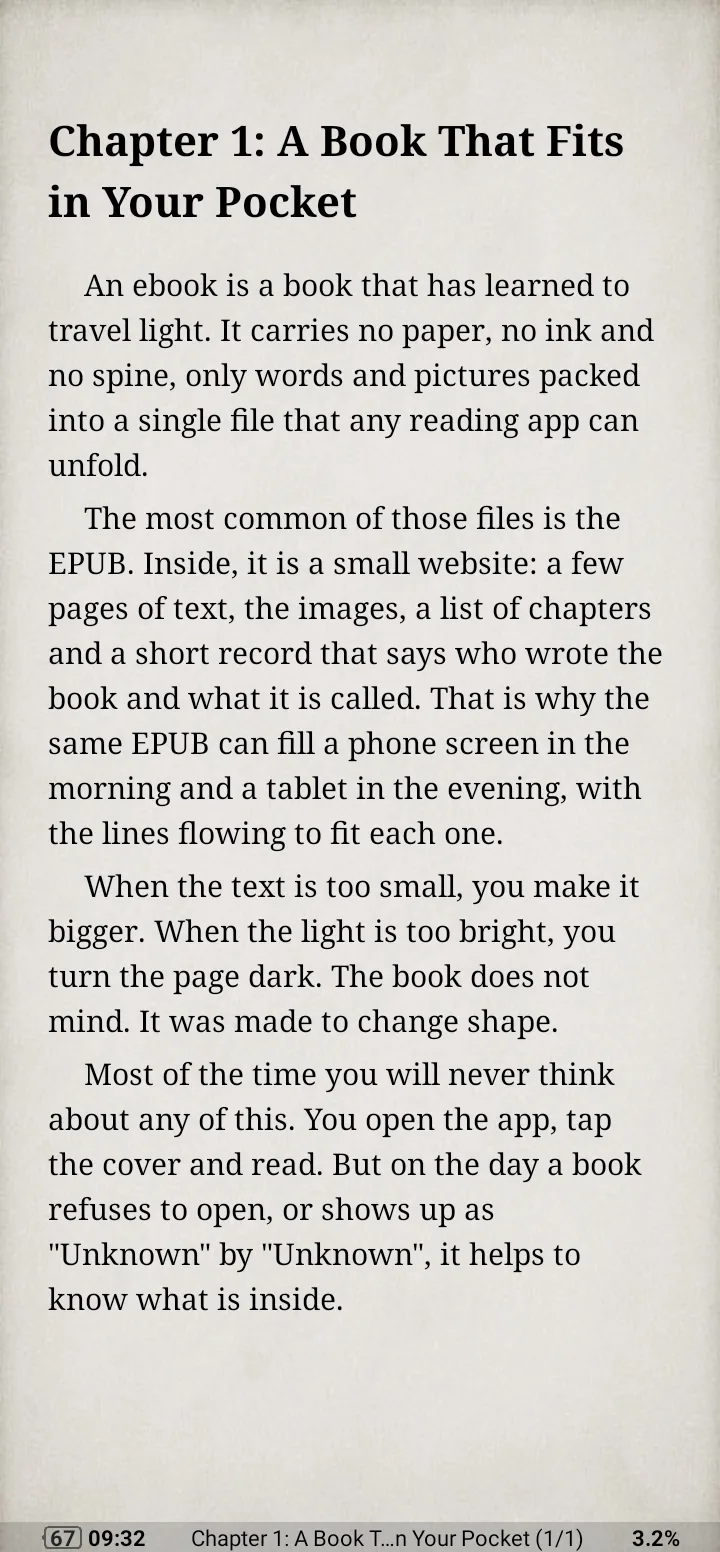
Lithium does one thing, EPUB, and keeps the screen clean. Books are found automatically, the default layout looks good without adjustments, and it has light, sepia and night themes plus highlights and notes. The developer describes the app as free of third-party ads. A one-time Pro upgrade adds custom reading colors and syncing of reading position, highlights and notes through Google Drive; at the time of writing, the books themselves are not synced.
Good for: people who only read EPUB and want a calm, simple app. Less good for: PDFs, comics or Kindle formats, which it doesn't open.
5. Librera Reader
Librera is an open-source reader with very wide format support: its GitHub page lists EPUB, EPUB 3, PDF, MOBI, AZW, AZW3, FB2, DjVu, TXT, RTF, DOCX, HTML, CBZ and CBR, plus OPDS catalogs for downloading free books. It is on Google Play with a free and a Pro version, and a fully open-source build is available on F-Droid, where some internet-based features are left out.
Good for: open-source fans and people who read many formats. Less good for: a polished, minimal look; the interface is busy.
6. KOReader
KOReader is an open-source reader originally built for e-ink devices, and it is the go-to app for Android e-readers from brands such as Onyx Boox. It handles EPUB, PDF, DjVu, FB2 and more, with detailed control over margins, hyphenation and fonts, and it is especially good with PDFs. You can install it from F-Droid or its GitHub releases page. On a regular phone it works, but its menus are designed for e-ink screens and feel less natural than the apps above.
Good for: e-ink Android tablets and power users. Less good for: a quick, friendly start on a phone.
7. Kobo Books
If you buy books from Kobo, its app can also hold your own EPUBs. According to Kobo's help center, you copy a DRM-free EPUB to your phone, open the app, tap the profile icon, then Import Items > Start, select the books and tap Import Selected. Imported books stay on that one device: they don't sync to your Kobo e-reader or other apps, and the Android app doesn't import PDFs.
8. Kindle (through Send to Kindle)
The Kindle app for Android does not open EPUB files directly from your phone's storage. Instead, Amazon's Send to Kindle service accepts EPUBs and converts them, and the book then appears in your Kindle library on the app and on Kindle e-readers. You can share an EPUB from the Files app to the Kindle app to send it. Our guide to putting EPUB books on a Kindle covers every way to send them, and what to do if one won't send.
Side-by-side comparison
| App | Price | Other formats | Sync | Open source |
|---|---|---|---|---|
| ReadEra | Free, no ads | PDF, MOBI, AZW3, CBZ and more | No | No |
| Google Play Books | Free | Yes, cloud library | No | |
| Moon+ Reader | Free with ads, paid Pro | MOBI, AZW3, CBZ and more | Reading position | No |
| Lithium | Free, paid Pro | EPUB only | Pro, via Google Drive | No |
| Librera Reader | Free, paid Pro | PDF, MOBI, AZW3, CBZ and more | Optional | Yes |
| KOReader | Free | PDF, DjVu, FB2 and more | Optional | Yes |
| Kobo Books | Free | None for imported files | No, for imported files | No |
| Kindle | Free | Via Send to Kindle | Yes | No |
How to open an EPUB file on Android
Once you have a reader installed, there are three common ways to get a book into it:
- Downloaded in the browser. Open the Files app (or My Files on Samsung), go to Downloads, tap the EPUB and pick your reader. Choose Always if you want it to open there every time.
- Copied from a computer. Connect the phone with a USB cable, choose File transfer in the notification on the phone, and copy the EPUB into the
BooksorDownloadfolder. Apps like ReadEra and Lithium find it on their next scan. - From cloud storage. In Google Drive or Dropbox, open the file's menu, choose Open with or Download, and then open it in your reader.
For the same steps on Windows, Mac, iPhone and other devices, see how to open EPUB files on any device.
Reading an EPUB without installing an app
If you only need to read one book, or you're on a phone where you can't install apps, open it in the browser. Our free online EPUB reader works in Chrome on Android: tap to choose the file, and it opens EPUB, MOBI, AZW3, CBZ and FB2 right on the page. The file is never uploaded, and the reader remembers where you stopped in that browser.
Open an EPUB in Chrome, no app needed
Read EPUB, MOBI, AZW3 and CBZ books on any phone. The file stays on your device.
Open the online readerWhen an EPUB won't open on Android
- The book has DRM. Books bought from a store are often locked to that store's app, and no other reader can open them. Read them in the store's own app (Kobo, Google Play Books, Kindle and so on). Our tools also reject files with DRM.
- It isn't really an EPUB. A file ending in
.epub.zipor.epub.html, or one that is only a few kilobytes, usually means the download failed. Download it again. - It's a Kindle file. If the file is a MOBI or AZW3, use ReadEra, Moon+ Reader or Librera, which open those formats, or convert it with our MOBI and AZW3 to EPUB converter so any app can read it.
- The title, author or cover is wrong. Reader apps take this from the book's metadata. Fix it with the EPUB metadata editor, or add a missing cover with Change EPUB cover, then copy the book back to your phone.
Frequently asked questions
Does Android have a built-in EPUB reader?
Not as part of Android itself, but Google Play Books comes preinstalled on many phones and can open EPUB files. If your phone doesn't have it, install it from Google Play or pick any app from the list above.
What is the best free EPUB reader for Android with no ads?
ReadEra and Google Play Books are both free without ads. Lithium also has no third-party ads, and the open-source builds of Librera and KOReader from F-Droid are free and ad-free.
Can Google Play Books open EPUB files?
Yes, as long as they are DRM-free. Uploaded EPUBs and PDFs are kept in your Play Books library and sync to your other devices.
Which Android EPUB reader works best for comics and manga?
For CBZ comic files, ReadEra, Moon+ Reader and Librera all work. For an e-reader, turn the comic into a fixed-layout EPUB with our CBZ to EPUB converter.
Can I read EPUB files on an Android tablet or Chromebook?
Yes. All the apps above run on Android tablets, and most Chromebooks can install Android apps from Google Play. On a Chromebook, Google Play Books on the web and our online reader also work without installing anything.
What about iPhone and iPad?
Most of these apps are Android-only. For Apple devices, see our guide to the best EPUB reader for iPhone, which starts with the built-in Apple Books.