
EPUB Tools Comics · Issue #1 · Free
The origin of Captain EPUB
Why this site exists, told the only way a hero's story should be told.
-
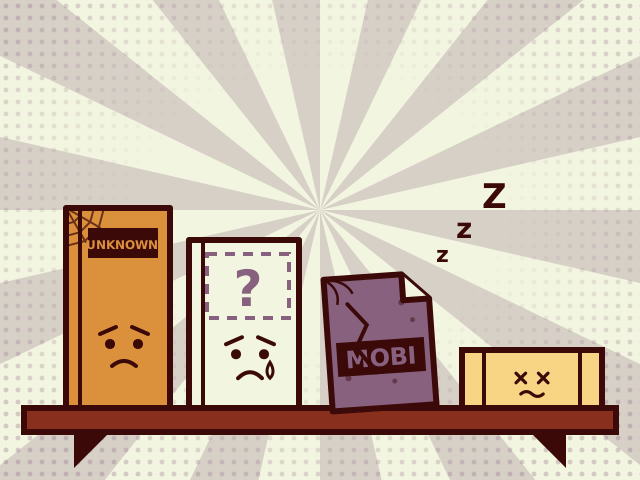
Every reader has a shelf like this…
Has anyone seen my cover?
-
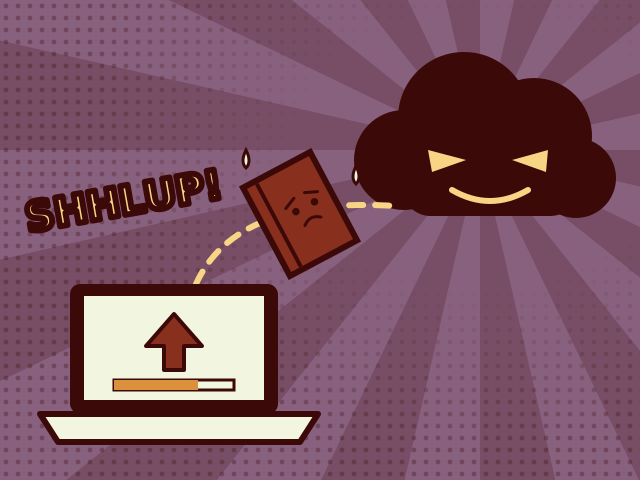
The usual fix? Upload your book to a stranger's server.
Just send it over… we'll take good care of it.
-
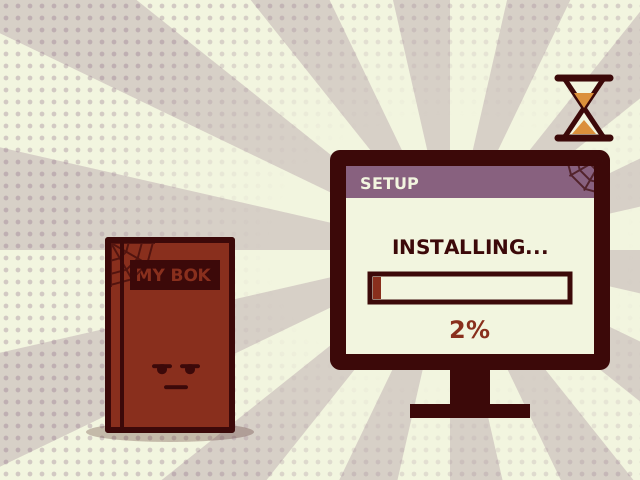
Or install a big program just to fix one typo.
I'll wait…
-
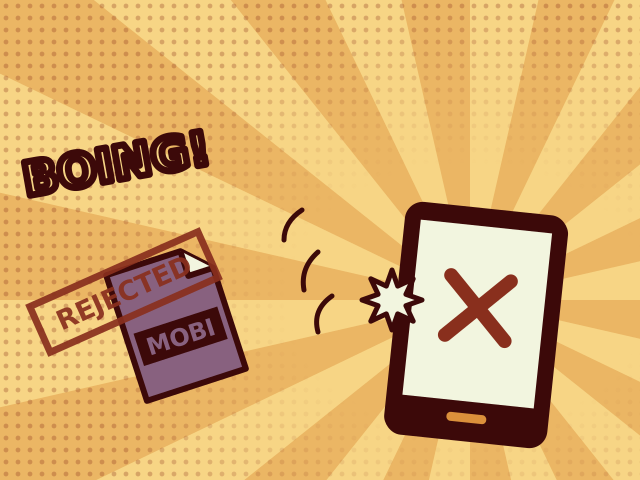
Then Send to Kindle stopped taking MOBI files.
Format not supported.
-
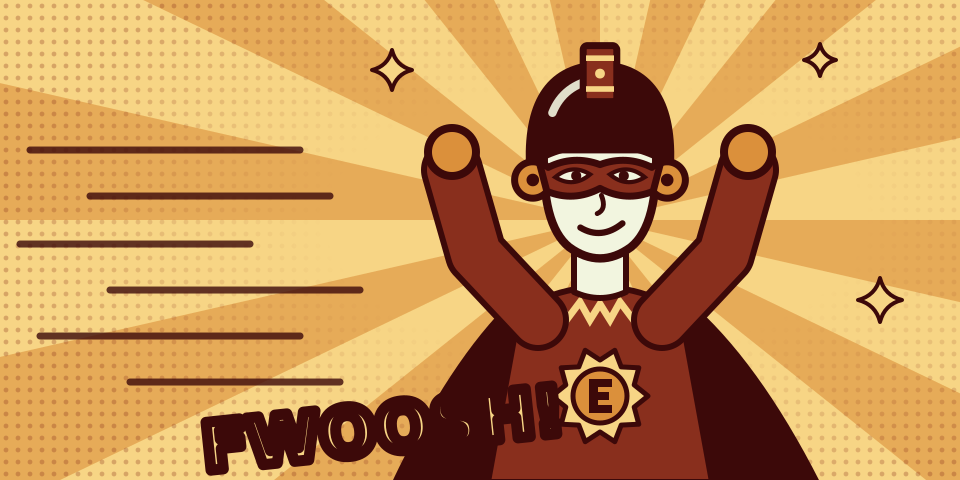
Until, from deep inside the browser, a hero appeared!
Enough! Books should be fixed right where they live: on your own device!
-
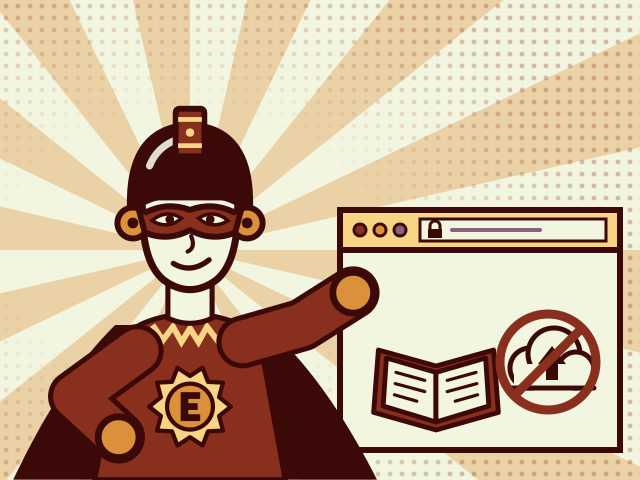
His superpower: every tool runs inside your browser.
Your book never leaves your device. Not even I get a copy!
-
Free. No sign-up. No uploads. Nothing to install.
Book rescued!
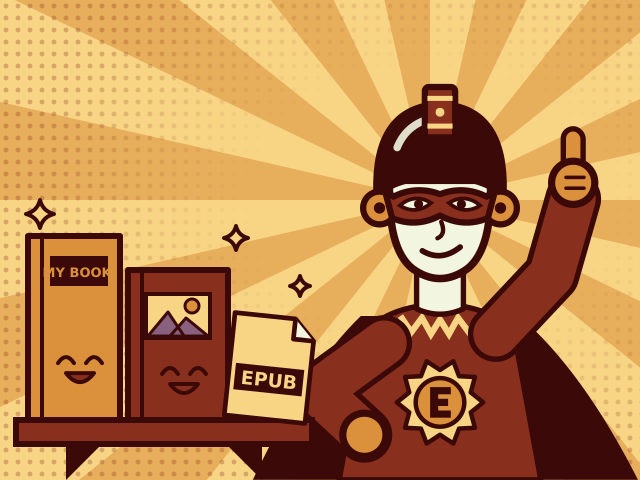
The end… or rather, the beginning.
Why EPUB Tools exists
EPUB Tools was started by an ebook maker who fixes files like the ones in the comic every week: a title that shows up wrong on an e-reader, a missing cover, an old MOBI file that Send to Kindle no longer accepts, a folder of scanned pages that should be a book.
Each fix is small. The usual ways to make them are not. Online converters ask you to upload your book to their servers, and desktop programs have to be downloaded and learned just to change one field. So the idea was simple: small tools that each do one job, right in the browser.
What the Captain stands for
- Your files stay on your device. Every tool runs in your browser, so books and images are never uploaded. The privacy page has the details.
- Free, with no sign-up. Open the page and use the tool.
- Nothing to install. All you need is a modern browser.
- Open formats. The tools produce EPUB, the open ebook standard that almost every e-reader and reading app supports.
The Captain's tools
- Online EPUB reader: read EPUB, MOBI, AZW3 and CBZ books in your browser.
- Edit EPUB metadata: fix the title, authors, series and description.
- Change an EPUB cover: replace a cover or add a missing one.
- Images to EPUB: turn PNG, JPG or WebP pages into a book.
- CBZ to EPUB: convert comics, manga included.
- MOBI and AZW3 to EPUB: bring old Kindle files back to life.
For step-by-step help, read the EPUB guides.