Every store wants something different
Kindle asks for one page size, Kobo rejects files over 100 MB, Apple wants images under 5.6 million pixels, manga has to open from the right, and two-page spreads land on the wrong sides unless every page is tagged. The kit puts all of it in one place, checked against each store's own documentation in November 2026.
That includes changes many tutorials still miss: KDP no longer accepts fixed-layout MOBI files, Kindle Comic Creator is retired, Kindle Previewer is now version 4, and Kindle's 70% royalty now reaches US$12.99.
What's inside
Comic EPUB Maker
Drop your page images, fill in the title and click Make EPUB.
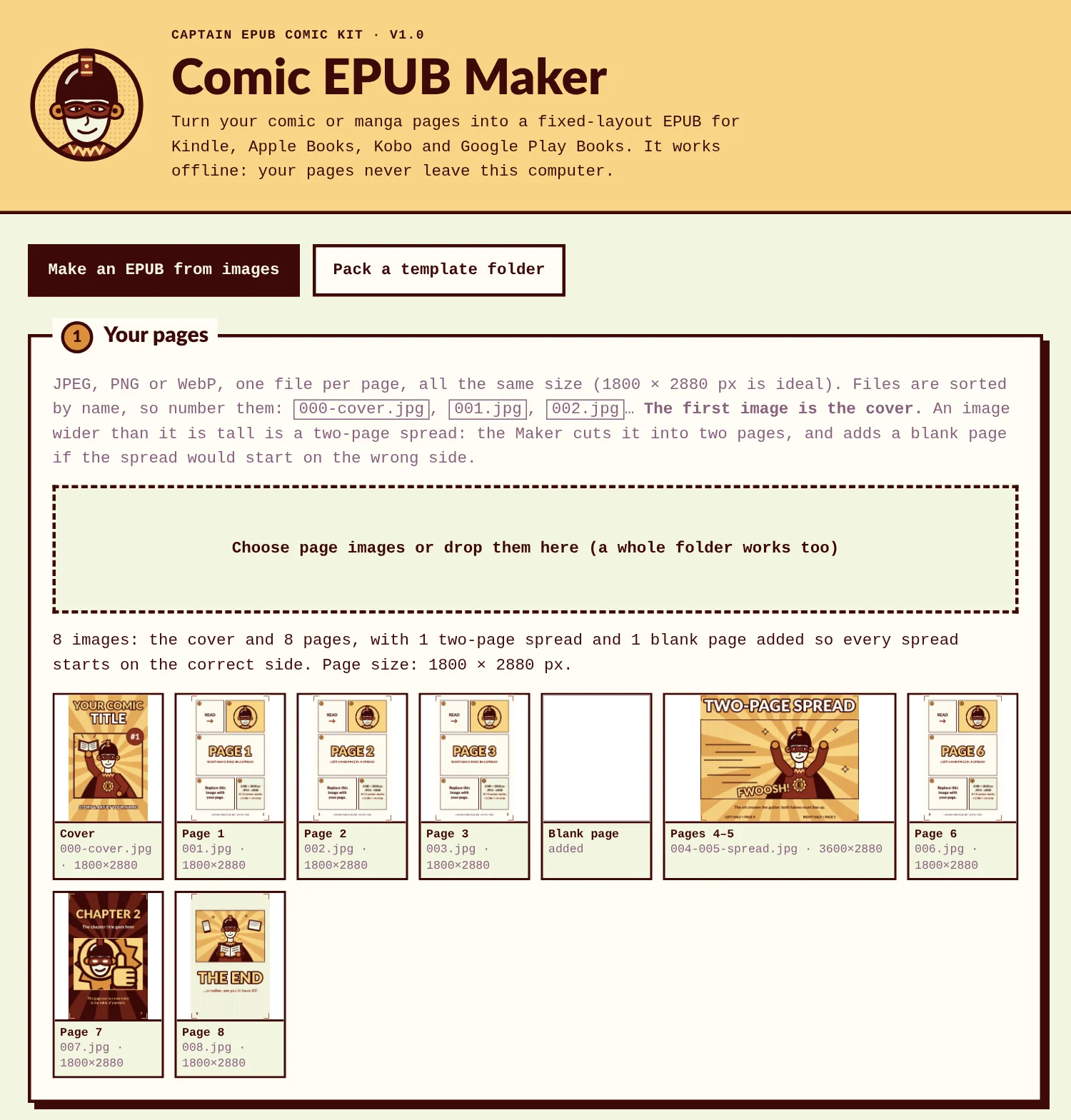
- Works offline in your browser on Windows, Mac and Linux. Your pages never leave your computer.
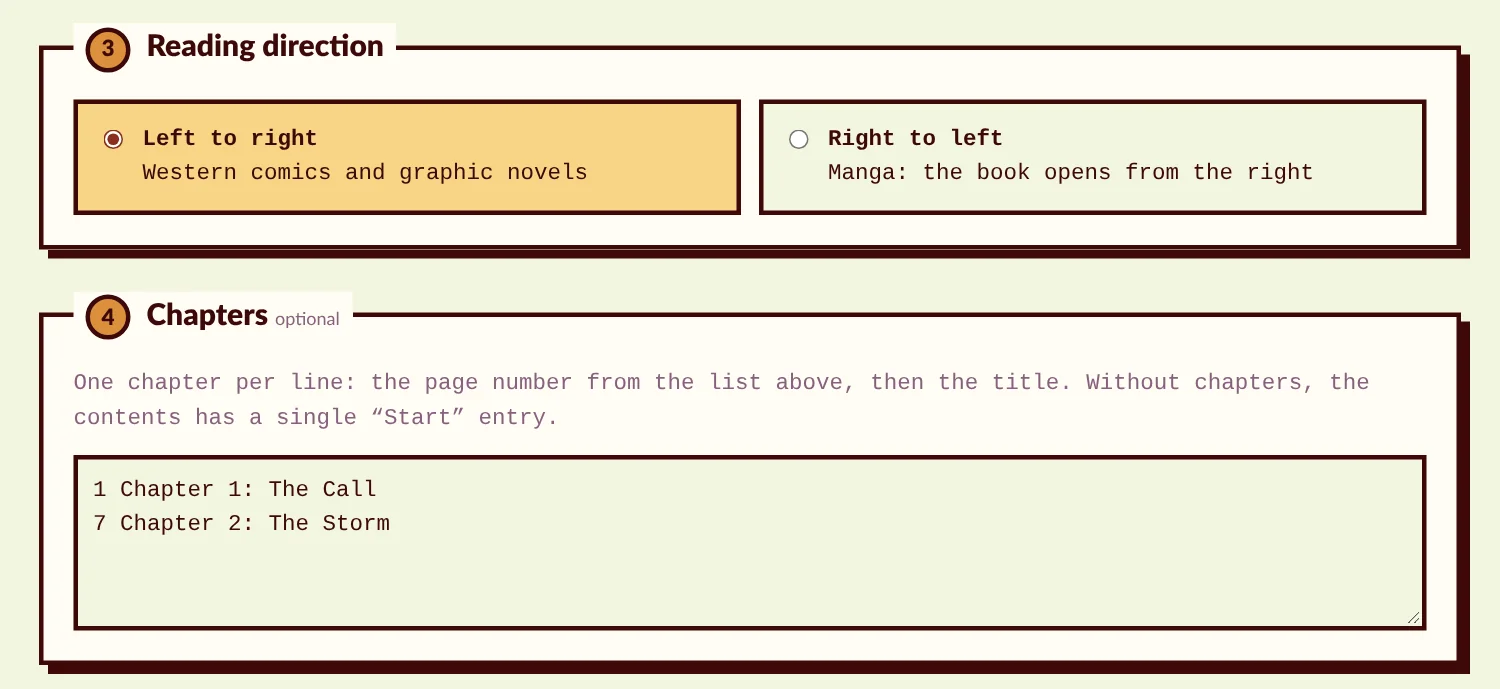
- Right-to-left manga in one click.
- Cuts two-page spreads in half and puts each half on the correct side, adding a blank page when a spread would start on the wrong side.
- Makes every page the same size and converts PNG and CMYK pages to RGB JPEG.
- Writes Kindle's comic settings, Apple's fixed-layout settings and the page structure Kobo's comics reader needs.
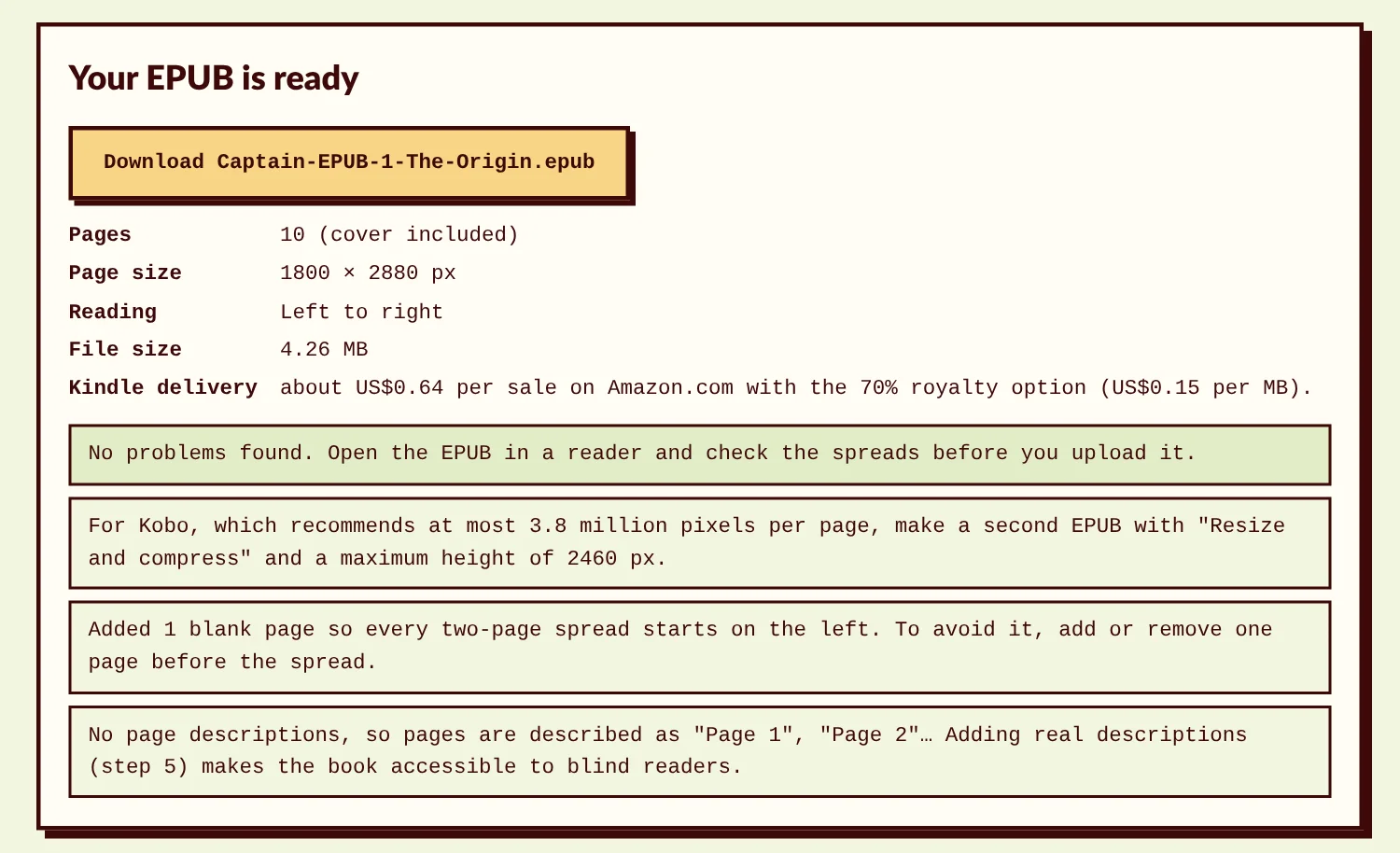
- Builds the table of contents from your chapter list, with page numbers and accessibility information.
- Reports small pages and file size, what Kindle charges to deliver each copy, and when the 35% royalty pays more than 70%.
- A second mode checks and packs template folders you edited by hand.
Two EPUB templates
A left-to-right comic and a right-to-left manga, unzipped and commented line by line, plus sample books whose test pages show cropping, page order and spread alignment on any device.
The guide (20-page PDF)
- Page sizes for each store, and how to keep your print shape.
- Exporting from Clip Studio Paint, Photoshop and Procreate.
- Two-page spreads and right-to-left manga, explained with examples.
- Testing with EPUBCheck, Kindle Previewer, Apple Books and Thorium Reader.
- Upload rules for KDP, Apple Books, Kobo Writing Life, Google Play Books and distributors.
- File size and royalties: why a heavy comic can earn less at 70% than at 35%.
- Covers, credits, accessibility and metadata, a troubleshooting table and links to every official source.
Pre-publish checklist (2-page PDF)
Print it and tick it before every release.
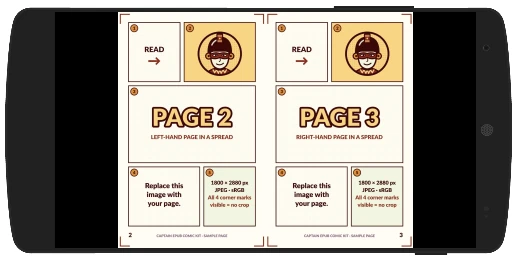
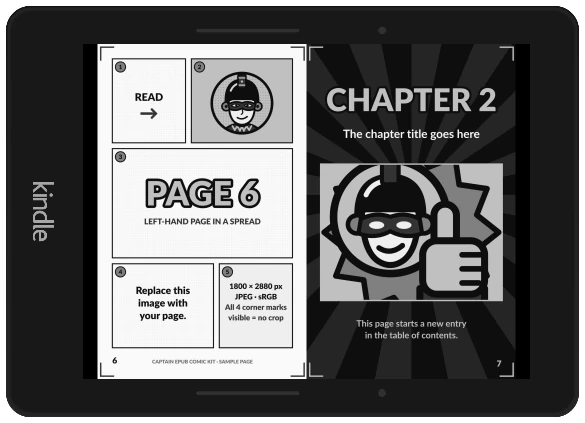
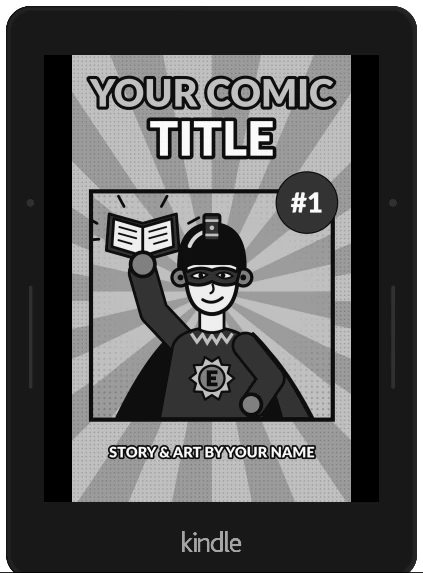
Tested in Kindle Previewer
The kit's sample comic, converted by Kindle Previewer 4, Amazon's own preview tool. Spreads line up, every page shows whole, and the table of contents works.
Who it's for
- Comic artists and writers self-publishing a graphic novel, a webcomic collection or a series.
- Manga creators and translators publishing right-to-left books.
- Small publishers who want a repeatable, checkable way to make comic ebooks.
What you need
- Your finished pages as images: JPEG, PNG or WebP.
- A web browser on a computer. No account, no subscription, nothing to install.
Just want to read comics on your e-reader?
You don't need the kit for that. The free CBZ to EPUB and PNG to EPUB converters on this site turn comics into EPUB for your own reading. The kit is for publishing: it adds the page sizes, spread placement, store settings and checks that KDP, Apple, Kobo and Google look for.
Frequently asked questions
Does it work for webtoons (vertical scroll)?
No. The kit makes paged books, which is what Kindle, Apple, Kobo and Google sell today.
Do I need Kindle Create?
No. KDP accepts the EPUB the kit makes. The guide explains when Kindle Create is still worth it: hand-tuned Guided View for books sold only on Amazon.
Is it a subscription?
No. One payment, and you keep the files.
Can I use it on a Chromebook or a tablet?
The Maker runs in any modern desktop browser, Chromebooks included. iPad and Android tablets limit opening local HTML files, so use a computer.
Can I use it for client work?
Yes. Make and sell as many of your own books as you like, for you or for clients. Please don't share or resell the kit itself.